Introduction
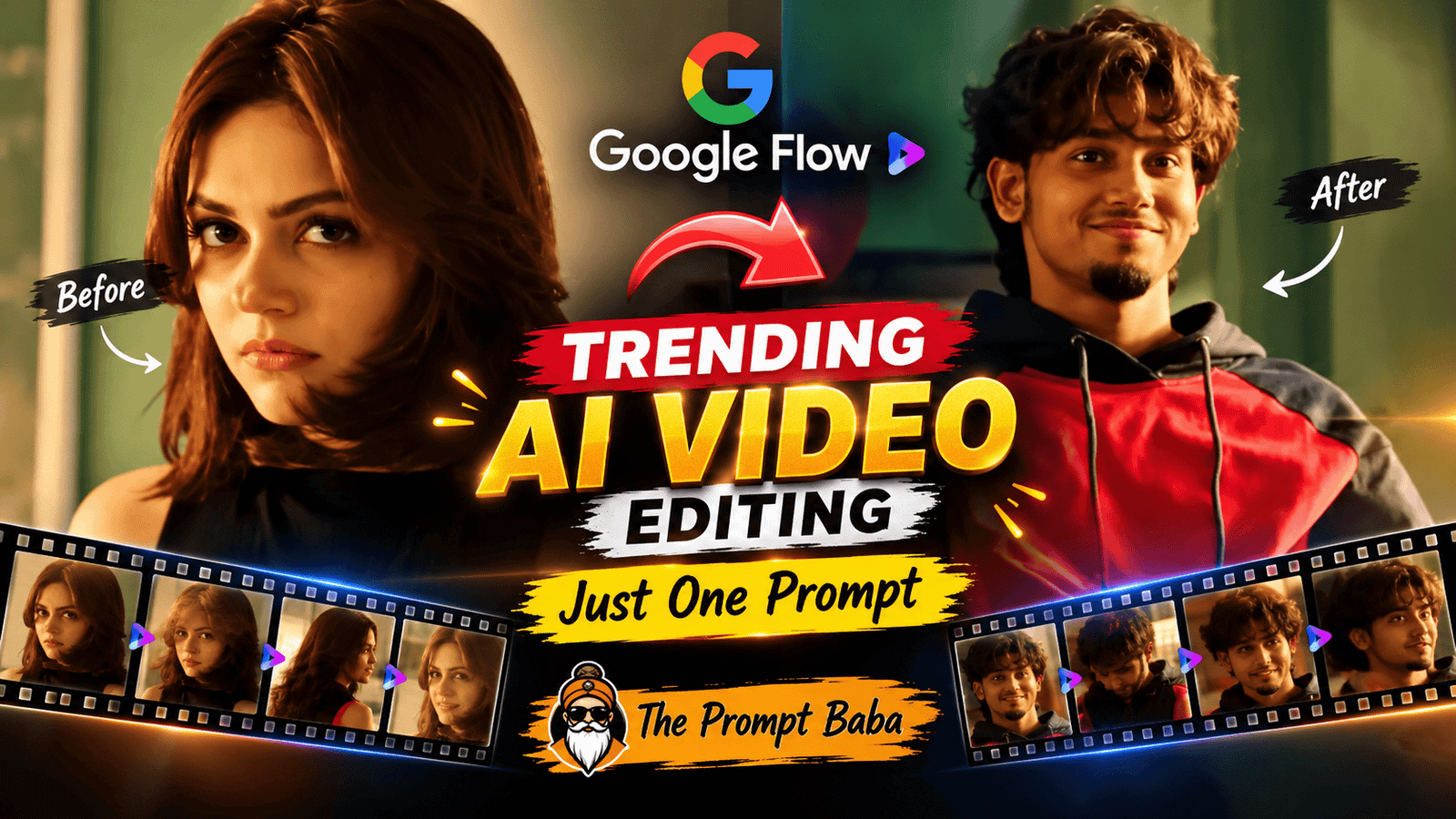
Google Flow AI Video creation is becoming a popular way to make cinematic and trending short videos with a simple prompt.
If you have been scrolling through Reels or Shorts lately, you have probably seen those smooth, cinematic AI videos that look like they came from a big studio. Many of them are made with just a single prompt.
At The Prompt Baba, we love finding trends like this because they show how simple AI video creation has become. You don’t need a camera, editing software or a team. You need a good idea and a clear prompt.
In this article, I’ll explain this trend, how Google Flow fits in, and how you can recreate the video yourself.
What Is This Trending AI Video?
This trend is all about short AI-generated clips that look polished and cinematic. The visuals are smooth, the mood feels dramatic, and the whole video is created from text instead of real footage.
People love sharing them because they grab attention in the first two seconds. That is exactly what you need on social media.
The best part is that the process is easy. You write one detailed prompt, generate the video, and then trim or polish it if needed.
What Is Google Flow?
Google Flow is an AI filmmaking tool from Google. It lets you turn text descriptions into video clips, and it is designed to feel more like a creative workspace than a simple generator.
You describe a scene, Flow generates it, and you can try variations until you get something you like. For short social media content, that is a very handy way to work.
Features, limits and access can change over time, so always check Google’s official pages for the latest details before you start.
Why This Trend Is Going Viral
There are a few simple reasons this style spreads so fast.
- It looks expensive. Cinematic motion and lighting make a clip feel professional, even if it took minutes.
- It is easy to copy. One prompt is enough to start, so anyone can join the trend.
- It suits short-form platforms. Vertical or short clips work well on Instagram Reels, YouTube Shorts and similar apps.
- It feels new. People enjoy watching something that looks impossible to film in real life.
When a trend is this easy to try, creators jump on it quickly. That is why you see so many versions of it.
What You Need Before You Start
You don’t need much. Here is the basic checklist:
- A Google account with access to Google Flow
- The video prompt (you’ll find it in the next section)
- A little patience, because your first result may not be perfect
- A simple editing app if you want to add music or captions later
That’s it. No expensive setup is required.
Google Flow AI Video Prompt
Here is the prompt behind this trend. You can copy it and use it in Google Flow to recreate the same style of video. Paste it exactly as it is for the closest result, and then try small changes once you are comfortable.
 Available on Google Play
How to Create the Video in Google Flow
Follow these simple steps.
Step 1: Open Google Flow. Sign in with your Google account and start a new project.
Step 2: Choose video generation. Pick the option for creating a video from text.
Step 3: Paste the prompt. Copy the prompt from the section above and paste it into the prompt box.
Step 4: Generate the clip. Start the generation and wait for the result. It may take a little while.
Step 5: Review the result. Watch the clip carefully. Check the motion, the lighting and the overall mood.
Step 6: Generate again if needed. AI results can vary, so a second or third try often gives a better version.
Step 7: Download and polish. Save the clip, then add music, captions or a quick trim in your favourite editing app.
Tips for Better Results
After trying many AI video styles, I’ve noticed a few habits that help.
Run more than one version. The same prompt can give slightly different results each time. Pick the best one instead of settling for the first.
Change only one thing at a time. If you edit the setting, lighting and camera movement all together, you won’t know what worked. Small changes teach you faster.
Keep your video short. Short clips are easier to get right, and they perform well on social media anyway.
Add sound after generating. Trending music or a simple voiceover can make a basic clip feel complete.
Watch the first two seconds. If the opening doesn’t grab attention, people will scroll away. Trim the start if needed.
Common Mistakes to Avoid
Many beginners run into the same problems.
- Changing the prompt too much. Starting with heavy edits can ruin the style. Try the original first.
- Giving up after one try. AI tools are not always perfect on the first attempt.
- Ignoring the platform format. A video that looks great on a laptop may need cropping for Reels or Shorts.
- Posting without checking. Always watch the full clip for odd glitches, strange movement or unclear details.
- Copying someone else’s work directly. Use the trend as inspiration and add your own twist so your video stands out.
How to Make Your Video Stand Out
Because this trend is popular, many people will post similar clips. Here is how to look different.
Try a different caption style, change the music, or add a short text hook at the start. You can also change small details in the scene once you understand how the prompt behaves.
Creators who add their own personality usually get more attention than those who simply repost the same thing.
A Quick Note on Responsible Use
AI videos are fun, but a little care goes a long way. Don’t use the trend to mislead people or imitate real individuals without permission. If a platform asks you to label AI-generated content, follow that rule.
Also remember that AI tools change often. Rules, features and output quality can shift, so keep checking the official updates from Google.
Final Thoughts
Trending AI video editing is getting easier every month, and Google Flow is a good example of that. With one well-written prompt, you can create a clip that looks polished and ready for social media.
Try the prompt, test a few versions, and add your own creative touch. Small experiments are the fastest way to learn what works for you.
For more simple AI photo and video ideas, keep visiting The Prompt Baba. We’ll keep sharing trends and prompts in an easy, practical way.